Step 1: Claim your Docker or Windows Desktop recorder
55 seconds ·
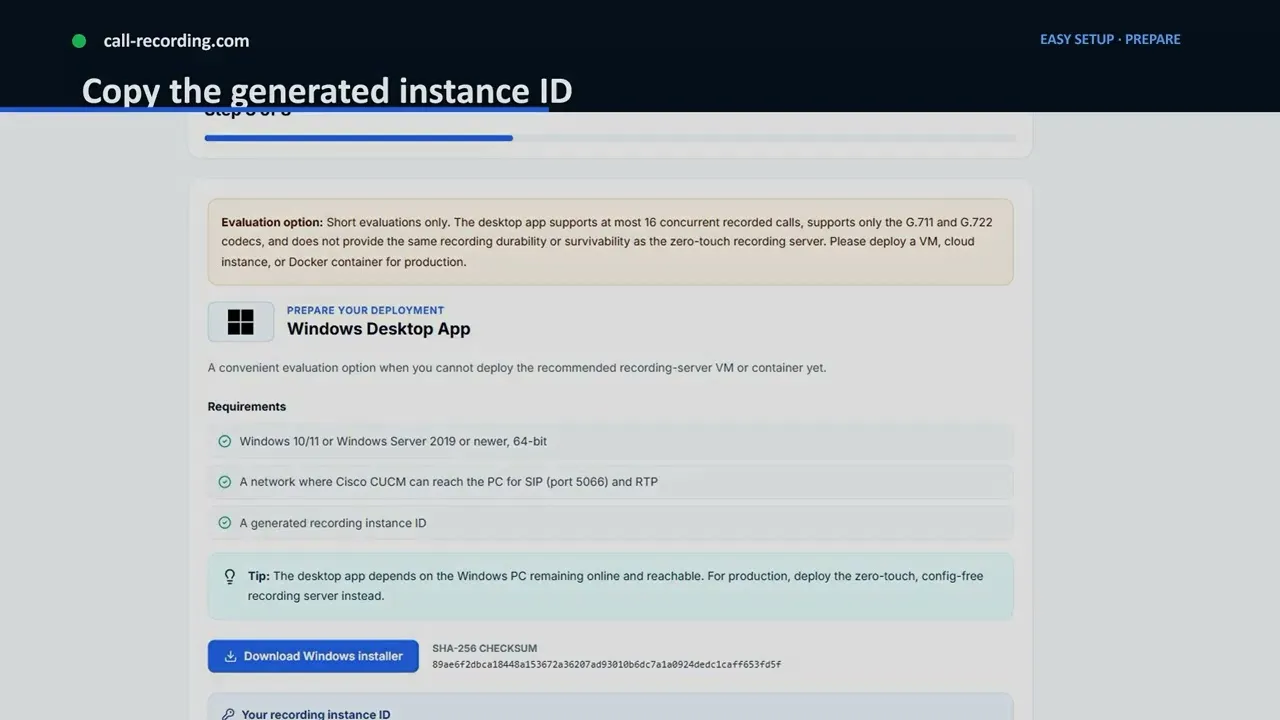
Claim a call-recording.com recorder running in Docker or on Windows by copying its instance ID into the deployment command or installer.
Watch on YouTube55 seconds ·
Claim a call-recording.com recorder running in Docker or on Windows by copying its instance ID into the deployment command or installer.
Watch on YouTubeMore setup videos
Pick another recorder option, or move on to the Cisco CUCM Easy Setup wizard.