Capture and archive
Import past recordings and receive new Webex recordings automatically. Messaging and meeting history can join the same review workflow.
CallRecording is Webex call recording software that archives supported Webex Calling recordings for playback and review. It imports your recording history, picks up new recordings automatically, and lets you search transcripts and AI analysis alongside your Cisco Unified CM calls and Webex messages and meetings.
30-day trial. No credit card required.
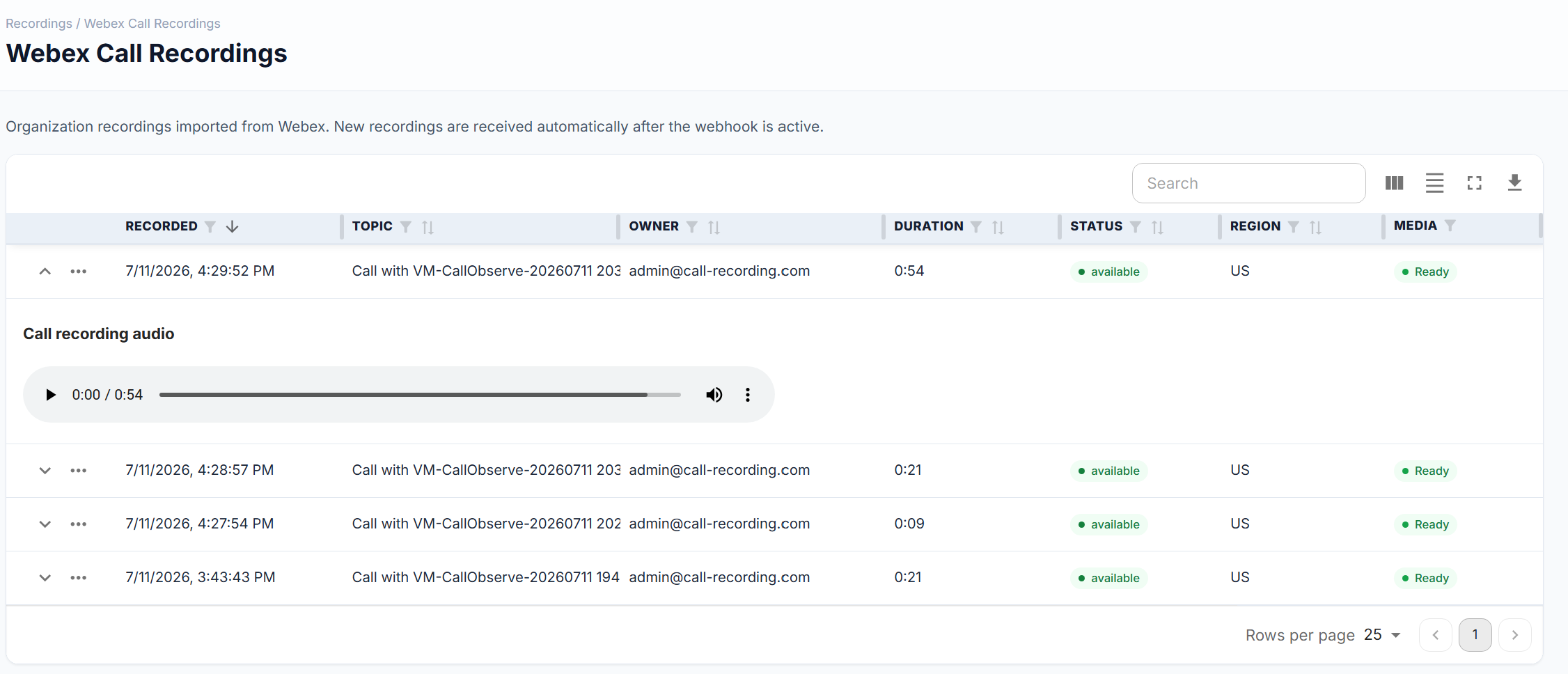
Import past recordings and receive new Webex recordings automatically. Messaging and meeting history can join the same review workflow.
Find conversations by exact wording or meaning, then open the original recording and transcript.
Explore conversation searchTranscripts, summaries, sentiment, and risk detection point you to the conversations that need attention. Then check the original recording.
Explore AI analysisYour customer-hosted recorder captures CUCM calls, and the Webex integration brings cloud recordings into the same organization. Review both during the pilot, through each migration wave, and after cutover.
Sign up at call-recording.com/signup, verify your email, and sign in.
Select Webex in the Easy Setup wizard. If you also record on premises, add Cisco Unified CM.
Open Control Hub from the integration page and authorize the Call Recording Service App with the account roles below.
The integration detects your approval automatically. Open an imported recording to play it and review its transcript and AI analysis.
Authorize with a Webex organization administrator account.
Authorize with an administrator who holds the Compliance Officer role. Assign it in Control Hub under Users → select user → Administrator roles → Compliance Officer.
Webex organizations generally need Pro Pack to retrieve compliance events older than 90 days.