 47 seconds
Step 1 · choose your recorder
Claim a VMware or Hyper-V recorder
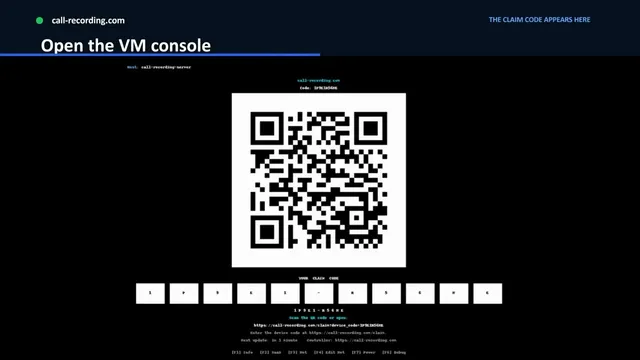
Claim a call-recording.com recorder on VMware or Hyper-V by entering the claim code the virtual machine displays or scanning its QR code.
Watch videoCisco and Webex setup videos
Short walkthroughs for claiming your recorder, running the Cisco CUCM Easy Setup wizard, and connecting Webex.
47 seconds
Step 1 · choose your recorder
Claim a call-recording.com recorder on VMware or Hyper-V by entering the claim code the virtual machine displays or scanning its QR code.
Watch video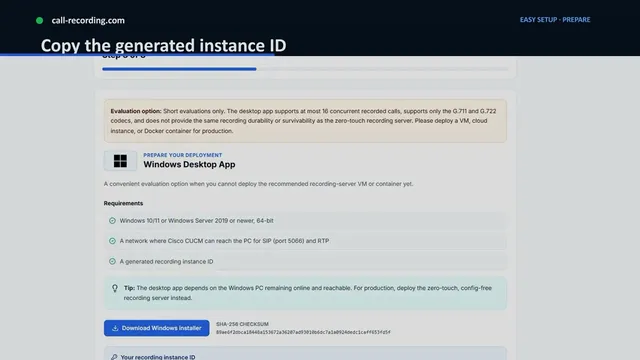 55 seconds
Step 1 · choose your recorder
Claim a call-recording.com recorder running in Docker or on Windows by copying its instance ID into the deployment command or installer.
Watch video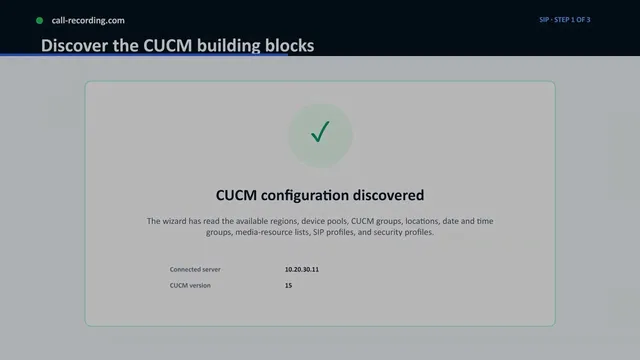 4 minutes, 22 seconds
Step 2 · configure Cisco CUCM
Walk through the call-recording.com Easy Setup wizard for Cisco CUCM: AXL access, SIP configuration, call-routing objects, and validating the first recording.
Watch video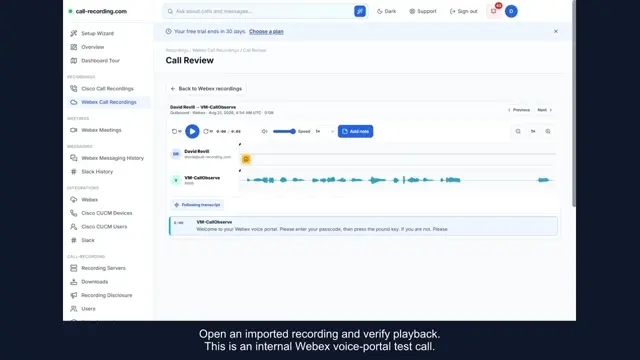 1 minute, 17 seconds
Webex Calling
Captioned walkthrough, without narration, of Webex setup requirements, a connected CallObserve organization, and playback, waveform, and transcript review of an internal test call.
Watch video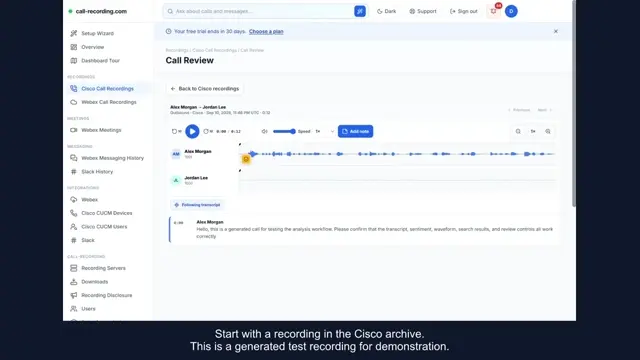 57 seconds
Webex Calling
Captioned demo, without narration, reviewing a generated Cisco test recording and an internal Webex test call in one account: check playback and transcripts before each migration wave.
Watch videoSet up recording in your own Cisco environment
Start a 30-day trial. No credit card or professional installation needed.